
Potential returns of up to300%

Install Zemmy Trade on your phone in just a few taps. No app store needed.
Scan and
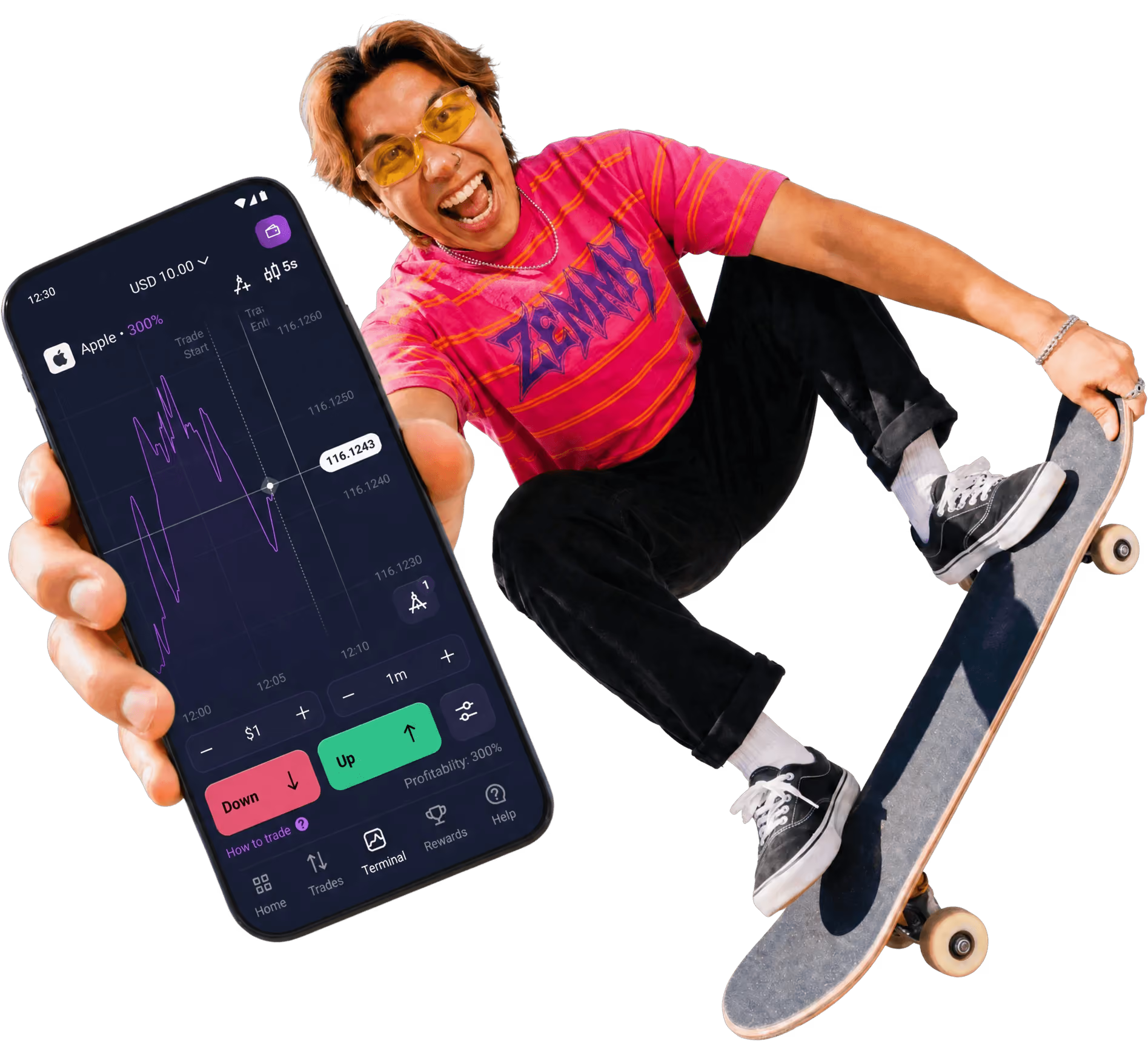
Potential returns of up to300%

Deposit. Trade. Withdraw.All here

$10 minimum deposit. Trades starting at $1
Marketing wanted “unlock your potential” here. We said no.

No button?
In the Bottom or Top tab layout, Share sits right in the toolbar.
Using Chrome on iPhone?
Tap Share at the top right, then Add to Home Screen.
Open this site in Safari on your iPhone.
Open the menu, then choose Share.

Tap View More, then Add to Home Screen.

Keep Open as Web App on, then tap Add.

Tap the Zemmy Trade icon on your Home Screen to open the app.

That’s it! Told you it was easy.
Open this site in Chrome on your Android phone.
Tap the menu next to the address bar.

Select Install and create shortcut.
On older Chrome versions the menu item may still be called Add to Home screen.

Choose Install.

Follow the on‑screen instructions.

Tap the Zemmy Trade icon on your home screen to open the app.

That’s it! Told you it was easy.
It’s a lightweight app that you install straight from your browser and open from your Home Screen like a regular app. It uses PWA (progressive web app) technology, which lets a website work like an app on your phone. Same trading tools, full functionality. No trip to an app store.
Yep. You’re installing Zemmy Trade’s official web app directly from our website. No third-party downloads, no need to switch off your phone’s security settings.
Nope. The web app is free to install and use. You can practice on a free demo account too. Add money only if you decide to trade for real.
On iPhone, press and hold the Zemmy Trade icon, choose the delete option, and confirm. On Android, go to Settings → Apps → Zemmy Trade → Uninstall. Removing the app doesn’t delete your Zemmy Trade account.
Nope. The web app updates automatically. No downloads to chase, no update button to hunt for.
By continuing to browse, you agree to our Cookies Policy.
